
Are Video Doorbells Worth It for Most Homes?
Yes, video doorbells are worth it for most homes if you miss deliveries, want a clear record of porch activity, or need a fast way to screen visitors. They are poor value for low-traffic doors and renters who cannot mount or power one. Buy the wrong model and you pay monthly fees, lose useful footage, or end up with a camera that solves nothing. This guide breaks down which homes benefit, when subscription-free or local-storage models make more sense, and when to skip one entirely.
This guide is part of our Video doorbells: how to choose the right one series.
Verdict: are video doorbells worth it?
The short answer is yes for many single-family homes, but only if the front door gets real use. The value comes from live view, two-way audio, motion alerts, and the ability to check deliveries at the door. If your door is quiet, your Wi-Fi is weak, or you cannot mount the device cleanly, the payoff drops fast.
When the buy makes sense
Video doorbells earn their keep when they solve a repeat problem. Missed deliveries, tradespeople who arrive while you are out, and visitors who show up without warning are all practical use cases. They also help if you want a dated record of porch activity without installing a full camera system.
Say your home gets weekly parcels and the porch sits close to the street. A doorbell camera can tell you whether a package arrived, whether someone stopped at the step, and whether a visitor left a notice. That is a real convenience gain, even before you think about security.
When skipping it is smarter
Skip one if the front door is low-traffic, the entry is shared, or the mounting rules are strict. Apartments, many rentals, and shared porches often create more hassle than benefit. In those cases, you can end up paying for hardware and subscriptions that do little more than record your neighbors.
A common first-timer mistake is buying for “security” when the actual need is package proof or visitor screening. That matters, because the right answer may be a local-storage model or no device at all, not a cloud plan with recurring fees.
Pros and cons
Pros
- Lets you see and talk to visitors from your phone.
- Can record porch motion and package drops.
- Battery models work where existing wiring is unavailable.
- Local storage options can cut or remove monthly fees.
- Useful for deliveries, tradespeople, and visitor screening.
Cons
- Many models depend on cloud subscriptions for recordings.
- Battery units need recharging or battery swaps.
- Weak Wi-Fi can break alerts, live view, or clip uploads.
- Shared porches can create privacy and neighbor issues.
- Some advanced features cost extra and may not add much value.
Video doorbell decision matrix
This matrix scores the main household types by setup burden, storage preference, subscription exposure, and Wi-Fi risk. Use it as a buying filter, not a spec sheet. If a row points to “skip,” the doorbell may still work, but the cost and friction are likely to outweigh the payoff.
| Household scenario | Setup need | Storage preference | Subscription exposure | Wi-Fi risk | Call |
|---|---|---|---|---|---|
| Detached house | Moderate; best if you have a clear front walk and door power nearby | Cloud or local both fit | Medium if you want retained video | Medium, depending on router placement | Worth it |
| Suburban street | Moderate; useful when visitors and deliveries are frequent | Either, based on budget | Medium | Medium | Worth it |
| Apartment | High; mounting limits and shared entry rules often apply | Local only if allowed | Low to medium, but value is limited | Low to medium | Skip |
| Rented home | High unless the landlord allows simple mounting and power access | Local or subscription-free if allowed | Medium | Medium | Maybe |
| Busy porch | Moderate; motion zones matter | Cloud or local, but retention matters | High if you need long clip history | Medium | Worth it |
| Package-heavy household | Moderate; camera angle and package view matter | Cloud or local with reliable clip saving | Medium to high | Medium | Worth it |
| Privacy-sensitive household | High; you need careful placement and settings | Local storage preferred | Low | Medium | Maybe |
| Smart-home heavy household | Moderate to high; ecosystem fit matters | Either, depending on platform | Medium | Medium | Worth it |
Who should buy one?
Video doorbells fit households that want delivery proof, visitor screening, or a clearer record of porch activity. They also fit people who already rely on phone alerts and smart-home routines. They are less compelling for low-traffic doors, renters with strict rules, and anyone who wants no recurring fees and no app dependence.
Best fit households
- Detached homes with regular deliveries.
- Suburban houses with visible porches and frequent visitors.
- Households that want package detection and motion alerts.
- Smart-home users who want one more device in the same app ecosystem.
- Buyers willing to manage batteries, Wi-Fi, and storage choices.
Households that may not benefit
- Apartments with shared entrances.
- Renters who cannot mount hardware cleanly.
- Homes with weak Wi-Fi at the front door.
- People who want recordings but refuse subscriptions and local storage setup.
Households that should skip it
- Low-traffic entrances with little delivery or visitor activity.
- Shared porches where neighbor privacy is hard to manage.
- Setups where the front door is poorly lit and cannot be improved.
Do you need a subscription for a video doorbell?
Not always. Cloud subscriptions are common, and they usually cover video retention, richer alerts, and access to advanced features. Subscription-free models can still deliver live view, two-way talk, and motion alerts, but they may limit how long clips stay available or how much event history you can save.
What cloud plans usually cover
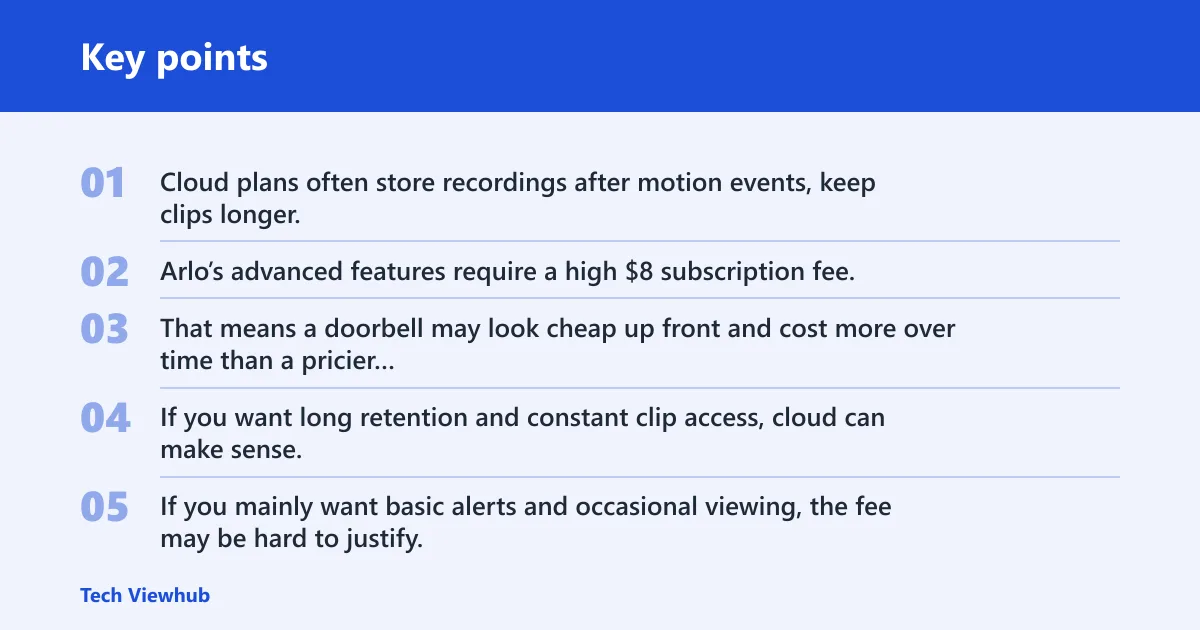
Cloud plans often store recordings after motion events, keep clips longer, and add features such as richer package alerts or person detection. The tradeoff is recurring cost. Arlo’s advanced features require a high $8 subscription fee, and Ring Battery Doorbell Plus requires a plan to save recordings, even though live view and two-way talk work without one.
That means a doorbell may look cheap up front and cost more over time than a pricier local-storage model. If you want long retention and constant clip access, cloud can make sense. If you mainly want basic alerts and occasional viewing, the fee may be hard to justify.
What subscription-free storage can do
Local storage avoids monthly fees and can still record useful clips. The eufy E340 includes 8 GB of local storage and uses dual cameras for visitor and floor views. Tapo D205 supports local microSD storage up to 512GB, which gives fee-averse buyers a flexible path to recording.
Google Nest Doorbell (2nd gen, battery) is a middle ground: it offers free AI smart notifications, free 3-hour video storage, 145° field of view, and 960p recording. That is enough for many households that want a light subscription footprint.
Who can live without a plan?
Households that mostly want live view, quick alerts, and a short clip window can often skip a paid plan. If you are comfortable managing local storage or only need limited event history, that is a clean way to avoid ongoing cost. Buyers who want long retention, richer search, or broad cloud features will still lean toward a plan.
Can a video doorbell work without existing wiring?
Yes. Battery-powered video doorbells are common, and they are the easier choice when your door has no chime wiring or the wiring is not usable. Wired units still make sense if you want steady power and less battery upkeep. The real question is whether your layout and Wi-Fi support the device well enough to matter.
Battery-powered setup
Battery models can be mounted without existing doorbell wiring, which is useful for rentals and older homes. Arlo 2K Video Doorbell (2nd gen) uses a battery installation, and Ring Battery Doorbell Plus is also a battery model. The tradeoff is upkeep: batteries need attention, and low-power alerts are one more thing to manage.
When wired models make more sense
Wired units suit doors that see steady traffic and where you want fewer maintenance tasks. If your front door is busy and the mounting point already has power, wired power can be easier to live with over time. It also reduces the chance that a dead battery leaves you without alerts.
Wi-Fi and chime requirements
Wireless does not mean independent. Video doorbells still depend on home Wi-Fi for live view, notifications, and clip uploads. A weak signal at the porch can make any model feel unreliable. Some homes also need a compatible chime or accessory if they want indoor alerts in addition to phone notifications.
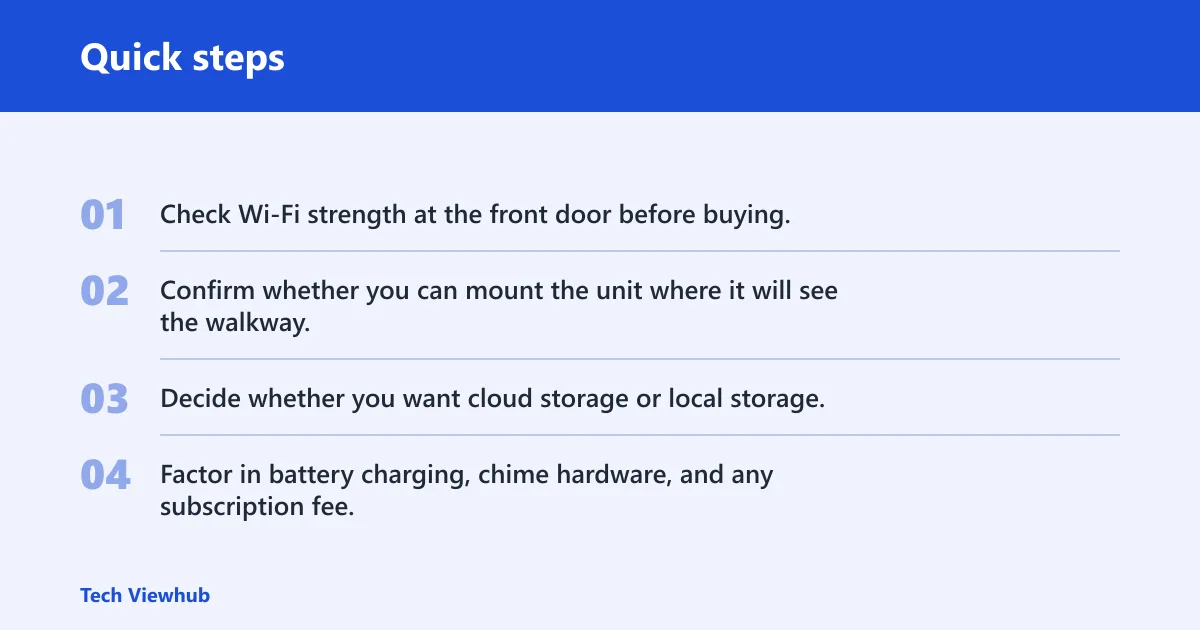
- Check Wi-Fi strength at the front door before buying.
- Confirm whether you can mount the unit where it will see the walkway.
- Decide whether you want cloud storage or local storage.
- Factor in battery charging, chime hardware, and any subscription fee.
Best value models by need
The best value choice depends on what you are trying to avoid. If monthly fees are the issue, favor local storage. If you want the widest smart-home fit, cloud-linked brands may be better. If you want a balance of price and features, the right budget model can be enough.
Best if you want no monthly fee
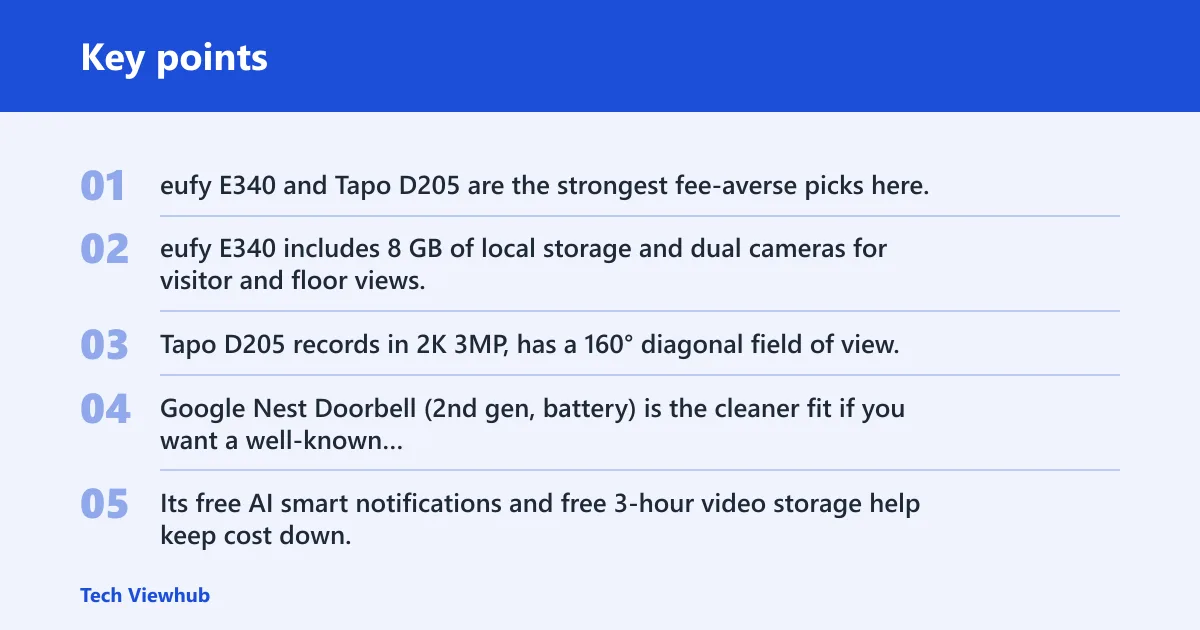
eufy E340 and Tapo D205 are the strongest fee-averse picks here. eufy E340 includes 8 GB of local storage and dual cameras for visitor and floor views. Tapo D205 records in 2K 3MP, has a 160° diagonal field of view, and supports local microSD storage up to 512GB. Both cut the need for recurring cloud cost.
Best if you want broad smart-home support
Google Nest Doorbell (2nd gen, battery) is the cleaner fit if you want a well-known smart-home ecosystem and can live with modest video specs.
Best if you want strong value on a budget
Ring Battery Doorbell Plus is worth considering if you want solid live-view basics and a wide camera view without paying for top-tier hardware. It offers 1536p HD+ video and a 150° horizontal field of view. The catch is simple: saving recordings requires a subscription.
Best if you want subscription-led features
Arlo 2K Video Doorbell (2nd gen) makes sense when you want a 2K resolution doorbell with a 180-degree view and you are already willing to pay for advanced features. Arlo’s high $8 subscription fee changes the value math. If you do not want ongoing charges, look elsewhere.
For buyers comparing these models, the practical split is clear: Ring and Arlo lean on cloud plans, while eufy and Tapo are better fits for local recording. Google Nest sits between those two camps with limited free storage and useful alerts.
Frequently asked questions
Are video doorbells worth it for most homes?
Yes, if your front door sees regular deliveries, visitors, or porch activity. They are most useful when they answer a real problem: missed packages, no-shows, or uncertain visitors. They are less valuable for quiet entrances, strict rental rules, or homes that cannot support reliable Wi-Fi.
Are doorbell cameras worth it?
They are worth it when you want quick visitor screening, package confirmation, or a recorded trail of front-door activity. They are not a full security system. If you mainly want deterrence or evidence of who came to the door, they can be a good fit; if not, they may be unnecessary.
Which video doorbell should I buy?
Buy based on storage and subscription tolerance, not just resolution. Choose eufy E340 or Tapo D205 if you want local storage and lower recurring cost, Ring Battery Doorbell Plus if you want a mainstream cloud-first option, and Google Nest Doorbell if you want limited free storage with smart notifications.
Which video doorbells support local storage?
eufy E340 and Tapo D205 are strong local-storage options. eufy includes 8 GB of local storage, and Tapo supports local microSD cards up to 512GB. Google Nest Doorbell offers only free 3-hour video storage, which is more limited than true local recording.