Is Mesh Wi-Fi Worth It for an Apartment?
Mesh Wi‑Fi is worth it in an apartment only when dead zones come from layout, wall materials, or heavy device load; otherwise, a better router is cheaper. Buy it for the right bottleneck, and you avoid paying for extra nodes that do nothing while your speed problem stays. This guide gives a decision tree for layout, wall, and device issues, plus the cheaper fixes to try before you buy mesh.
Mesh Wi-Fi vs a single router
A single router is one fixed broadcast source, and that is often enough for apartments and smaller homes when it sits in a decent spot. Mesh adds a main unit plus satellites, which helps when one router cannot reach every room cleanly. Mesh improves coverage and roaming inside the apartment by handing devices off between nodes as you move. It does not increase your ISP speed by itself.
| Setup | Best fit | Main weakness | What it fixes first |
|---|---|---|---|
| Single router | Studio or one-bedroom with open layout | One weak corner or closet placement | Move the router to a central, open spot |
| Single Wi-Fi 6 router | Apartment with many devices but decent floor plan | May not solve wall-blocked rooms | Upgrade from older hardware and tune bands |
| One-node mesh plus router | Small apartment with one dead zone | Wireless backhaul can cut available bandwidth | Place the node halfway to the weak room |
| Two-node mesh | Thick-wall or L-shaped apartment | Overlap and extra complexity in small spaces | Try a better router location before adding nodes |
When is a single router enough?
A single router is usually enough when your apartment is small, the floor plan is open, and the router can sit near the middle of the living space. A studio or one-bedroom under about 900 square feet often fits this case. If the only problem is a bad cabinet or closet install, fix placement before buying mesh.
Start with placement and band steering
Placement matters more than people expect. A router in a corner cabinet or closet can create coverage problems even when the hardware itself is fine. Band steering can also help by pushing devices toward the stronger band, which often clears up roaming complaints without new gear.
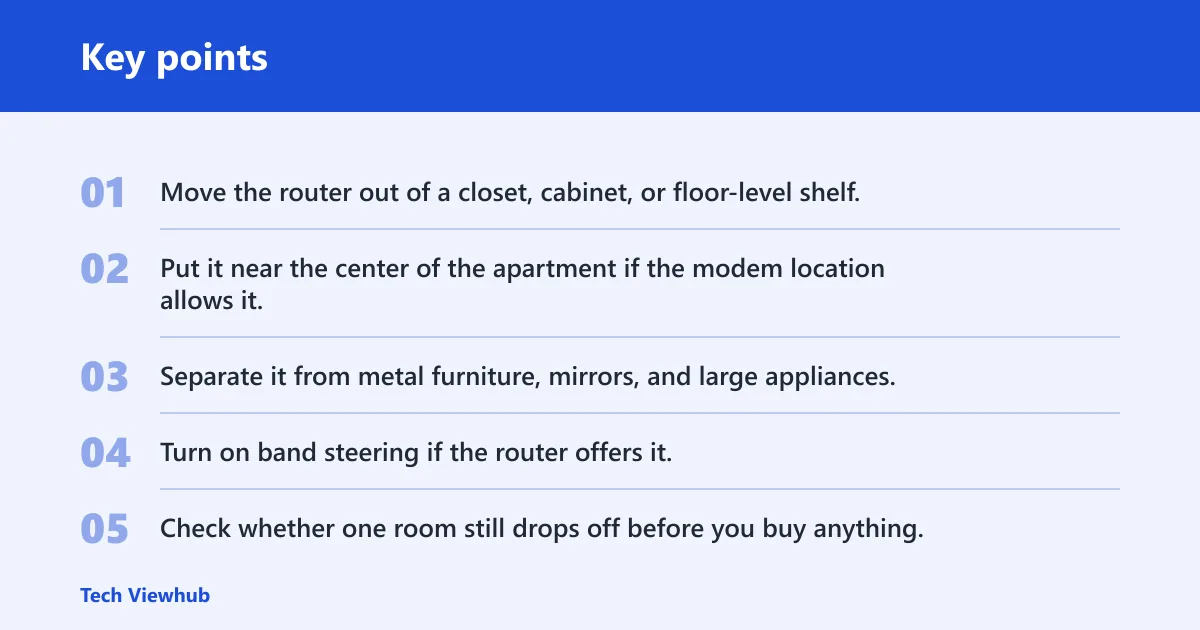
- Move the router out of a closet, cabinet, or floor-level shelf.
- Put it near the center of the apartment if the modem location allows it.
- Separate it from metal furniture, mirrors, and large appliances.
- Turn on band steering if the router offers it.
- Check whether one room still drops off before you buy anything.
When a Wi-Fi 6 router is the better first upgrade
A Wi-Fi 6 router is often the smarter upgrade for apartments with good layout and lots of devices. Competitor examples commonly place Wi-Fi 6 routers in roughly the $100–180 range, which can make them a lower-risk buy than a full mesh kit for many renters. If your issue is congestion, not dead spots, a modern router is usually the better first step.
Say your one-bedroom is 820 square feet, the modem sits in the living room, and the bedroom only loses speed during video calls. In that case, a Wi-Fi 6 router in a better spot may solve the problem without adding nodes, wiring, or another app to manage.
When does mesh Wi-Fi make sense?
Mesh Wi-Fi makes sense when the problem is not just router placement. It helps most when walls block signal paths, rooms sit far apart, or you need smoother roaming from room to room. A mesh system can be the right answer for dead zones, but only after you identify why the dead zone exists.
Dead zones from awkward layouts
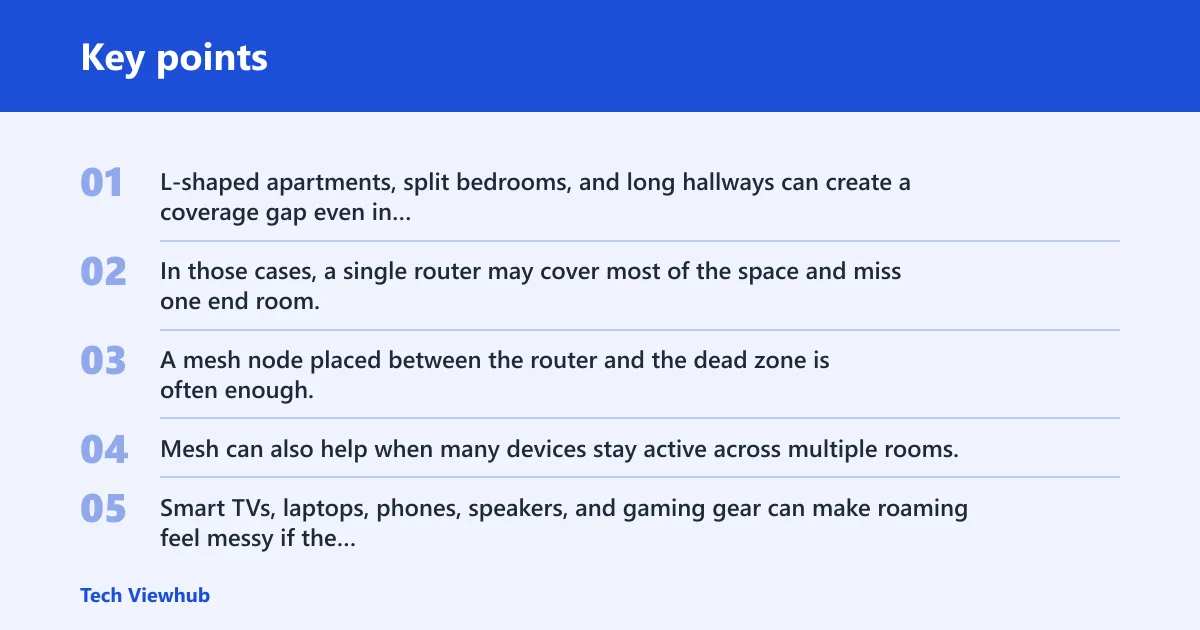
L-shaped apartments, split bedrooms, and long hallways can create a coverage gap even in modest square footage. In those cases, a single router may cover most of the space and miss one end room. A mesh node placed between the router and the dead zone is often enough, and that is the main one-node use case.
High-device apartments and roaming between rooms
Mesh can also help when many devices stay active across multiple rooms. Smart TVs, laptops, phones, speakers, and gaming gear can make roaming feel messy if the signal drops from room to room. Mesh keeps one network name and one password, so moving around the apartment is less awkward.
Suppose a 1,200 square foot apartment has a router by the front door, a bedroom at the far end, and a home office in between. If the bedroom drops out but the office is fine, that is a layout problem. A single extra node near the hall often beats buying a larger mesh kit.
Apartment Wi-Fi decision table
This decision table separates the common apartment cases. Use it to match the bottleneck before you spend on mesh. The first fix column matters because many apartment issues clear up without a full system.
| Apartment type | Recommended setup | Likely bottleneck | First fix to try before buying mesh |
|---|---|---|---|
| Studio or 1-bed under 900 sq ft | Single router, ideally Wi-Fi 6 | Bad placement, not coverage range | Move the router to a more central, open spot |
| 900–1,500 sq ft | Single router first, then one mesh node if needed | One weak room or hallway gap | Turn on band steering and retest room by room |
| Thick-wall or L-shaped apartment | Mesh with one or two nodes | Walls block signal paths | Relocate the router away from the blocked side |
| High-device apartment | Wi-Fi 6 router or premium Wi-Fi 7 gear | Device load and congestion | Upgrade the router before buying mesh |
Walls, layout, and interference
Apartment wall materials can matter as much as square footage. Brick, concrete, plaster, and metal lath can reduce signal penetration, and old plaster-and-lath or brick walls may severely weaken signal over short distances. If the signal has to cross those materials, mesh becomes more useful because the nodes can be placed around the obstacle instead of through it.
Neighbor Wi-Fi and crowded channels
Dense buildings also mean more nearby Wi-Fi networks competing for airspace. That does not make mesh automatically better, but it can make a weak router feel worse. A cleaner channel plan and better placement can help before you buy new hardware, especially in a building full of overlapping networks.
Renter constraints matter
Renters often cannot move the modem where they want, and some units have only one coax jack or one Ethernet drop. Closet installs and landlord wiring can lock the router into a poor location. If the modem must stay in a cabinet, mesh may be the cleaner answer because a satellite can extend coverage from a bad starting point.
Wireless backhaul vs Ethernet backhaul
Backhaul is the link that carries traffic between mesh nodes. Wireless backhaul uses Wi-Fi, so it can reduce available bandwidth and depends on distance and obstacles. Ethernet backhaul is a wired node-to-node connection, and that is the more consistent option. In mesh buying decisions, backhaul is one of the specs buyers overlook most often.
Why backhaul changes the buying decision
In a small apartment, wireless backhaul can be fine if the nodes are close and the path is clean. But if a wall or appliances sit between the nodes, the mesh can feel slower than expected. That is why a two-node system is not automatically better than a single strong router.
Ethernet backhaul changes the picture. If your apartment already has usable Ethernet runs, a wired node link gives more consistent performance and makes mesh a much stronger option. If you do not have wiring, wireless backhaul has to do all the work, and node placement becomes much more important.
Choose single router if… / Choose mesh Wi-Fi if…
For many apartments, the right answer is still a single router. Mesh only wins when the bottleneck is coverage, wall blockage, or roaming between rooms. If the bottleneck is a weak router or a bad cabinet install, fix that first and you may not need mesh at all.
Choose single router if…
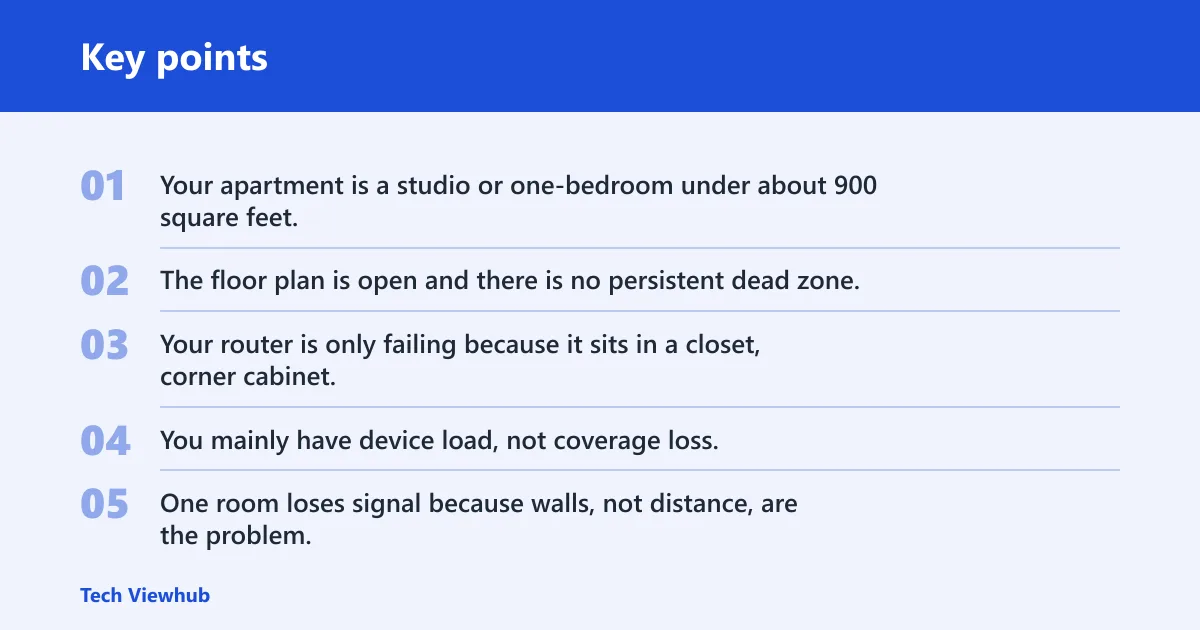
- Your apartment is a studio or one-bedroom under about 900 square feet.
- The floor plan is open and there is no persistent dead zone.
- Your router is only failing because it sits in a closet, corner cabinet, or another poor spot.
- You mainly have device load, not coverage loss, and a Wi-Fi 6 router would be a cleaner upgrade.
Choose mesh Wi-Fi if…
- One room loses signal because walls, not distance, are the problem.
- Your apartment is L-shaped, split-level, or has a hallway that blocks coverage.
- You need one network name and smoother roaming across several rooms.
- You can place a node well, or you have Ethernet backhaul available.
How many nodes does an apartment usually need?
One node is often enough when there is a single dead zone or a layout gap near the far room. Two nodes make sense when the apartment has thick walls, a long shape, or multiple problem rooms. More than that is usually too much for a small space, and too many nodes can create overlap without benefit.
Frequently asked questions
Is mesh Wi-Fi worth it for an apartment?
Yes, but only when the apartment has dead zones caused by layout, wall materials, or roaming problems between rooms. If the issue is a weak router location, a better placement or a Wi-Fi 6 router is usually the cheaper fix. Mesh is for coverage problems, not faster ISP service.
Should I get a mesh Wi-Fi system for a small apartment?
Usually not at first. Most small spaces do not need mesh systems, and apartments under 1,500 square feet usually do not need mesh. Start with router placement, band steering, and a modern router before adding nodes. Mesh becomes reasonable only when one room stays weak after those fixes.
Does mesh Wi-Fi work well in apartments?
It can, especially in thick-wall or odd-shaped apartments. But mesh can perform worse in small apartments than a single router if the nodes are too close or the backhaul path is poor. The system works best when it solves a real coverage gap, not when it repeats a problem the router already has.
Can a single router cover my apartment without mesh?
Yes. A decent single router can often cover a studio or one-bedroom under about 900 square feet, especially when it sits in a central open spot. If coverage drops only because the router is in a closet or corner cabinet, moving it may fix the issue without any new hardware.
Do thick walls make mesh Wi-Fi worth it?
Often, yes. Brick, concrete, plaster, and metal lath reduce signal penetration, and old plaster-and-lath or brick walls can kill signal at short distances. In that case, a mesh node placed around the obstruction can help more than a stronger single-router signal blasting through the wall.
Should I buy mesh or just move my router?
Move the router first if the apartment already has decent coverage except for one weak spot. If the modem location forces a bad cabinet or corner setup, that is often the real problem. Buy mesh when moving the router does not fix the dead zone, or when walls and layout keep blocking the signal path.