Wi‑Fi 6 Routers: How to Choose the Right One
Choose a Wi‑Fi 6 router by matching your internet speed, floor plan, and device count, then size up with 25 to 50 percent extra bandwidth headroom.
Choosing a router or mesh system, setting it up, and fixing dropped or slow Wi-Fi.

Choose a Wi‑Fi 6 router by matching your internet speed, floor plan, and device count, then size up with 25 to 50 percent extra bandwidth headroom.

Open a browser, enter your router’s gateway IP, and sign in with the admin password. This guide covers IP lookup, login errors, and lockout fixes.

There is no universal default router setup page password. Check the sticker, app, manual, or reset path when the login fails.

Set up most routers with a phone through the maker’s app or a local web page. If neither option exists, first login usually needs another device.

If you can run Ethernet, wired access points are usually the better choice for whole-home Wi-Fi. Mesh is simpler when cable runs are not possible.

Mesh Wi-Fi pays off in apartments only when layout, walls, or device load create dead zones; otherwise, a better router is cheaper.

Yes, mesh Wi-Fi is usually the right choice for a large home with two or more floors, thick walls, or dead zones.
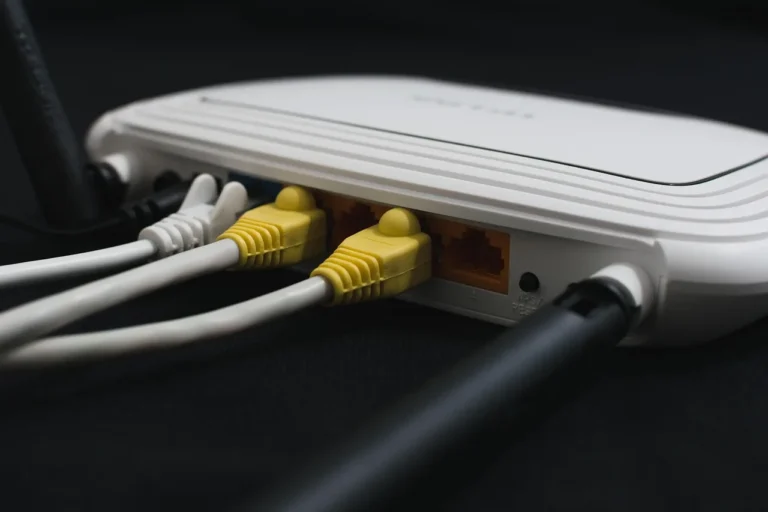
Check the label, admin page, or model number for Wi‑Fi 6 or 802.11ax; if none show ax, it is not Wi‑Fi 6. This guide shows the fastest checks and common lookalikes.

Wi‑Fi 6 usually improves edge performance more than raw distance. This guide explains range, interference, placement, and when mesh is the better fix.