Windows Update: How to Fix Common Update Problems
Fix Windows Update by identifying whether it fails during download, install, restart, or rollback, then use the right repair steps for Windows 10 and 11.
Step-by-step fixes for Windows 11 errors, updates, slow performance and settings problems.
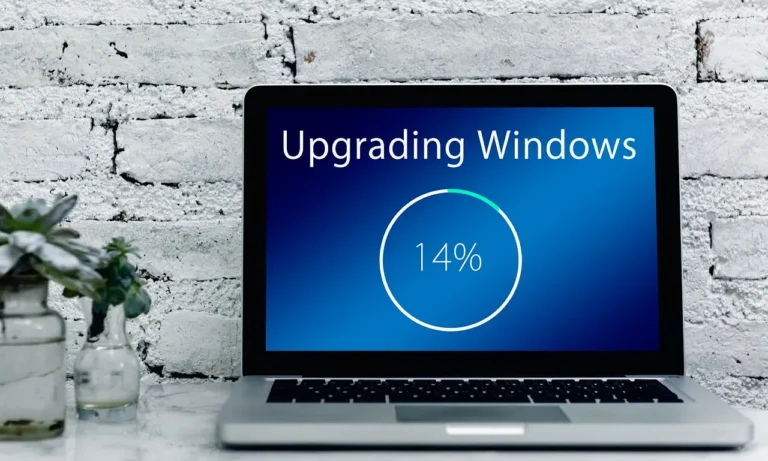
Fix Windows Update by identifying whether it fails during download, install, restart, or rollback, then use the right repair steps for Windows 10 and 11.

Windows 11 startup lag usually comes from boot delay, sign-in apps, or slow storage. This guide shows how to pinpoint the cause and match it to the fix.
Windows Update on Windows 11 can take 30 to 90 minutes. A 2-hour wait with no progress usually means the install is stuck, not still working.

Check whether the laptop can see Wi-Fi networks first. Then move through adapter, password, driver, and network reset fixes for Windows 10 and 11.

Fix slow Windows 11 startup by checking where the delay starts, then adjust Fast Startup, startup apps, Windows Update, and file repair in the right order.
Windows Update usually stops downloading because of a paused connection, a stopped service, policy limits, or a damaged update cache.

Check whether the desktop has Wi-Fi hardware, then whether Windows sees the adapter, then whether the router path is broken. This guide gives the exact fix for each branch.

If your Windows 11 laptop slows only on battery, the cause is usually power-saving throttling, battery wear, or firmware settings.

Check the error code, then match it to the right fix for downloads, disk space, system files, or restart issues.