
What Is a Good Student Laptop for Engineering Majors?
A good student laptop for engineering majors commonly needs at least 16GB of RAM, about 1TB of SSD storage if you run CAD or simulations, a modern 6- to 8-core CPU, and a discrete GPU only for graphics-heavy work. Buy too low and you get slow model loading, laggy multitasking, and a machine that feels old before graduation. This guide matches laptop specs to mechanical, electrical, civil, and computer engineering workloads.
Top pick for engineering majors
The broadest fit is a Windows laptop with a modern high-performance CPU, 32GB RAM, 1TB storage, and an NVIDIA RTX GPU. PC Guide’s top pick uses a high-end Intel Core Ultra CPU, an RTX-class GPU, 32GB of RAM, 1TB of storage, and a 16-inch display with a 16:10 aspect ratio and 2560×1600 OLED resolution.
Why this top pick fits most workloads
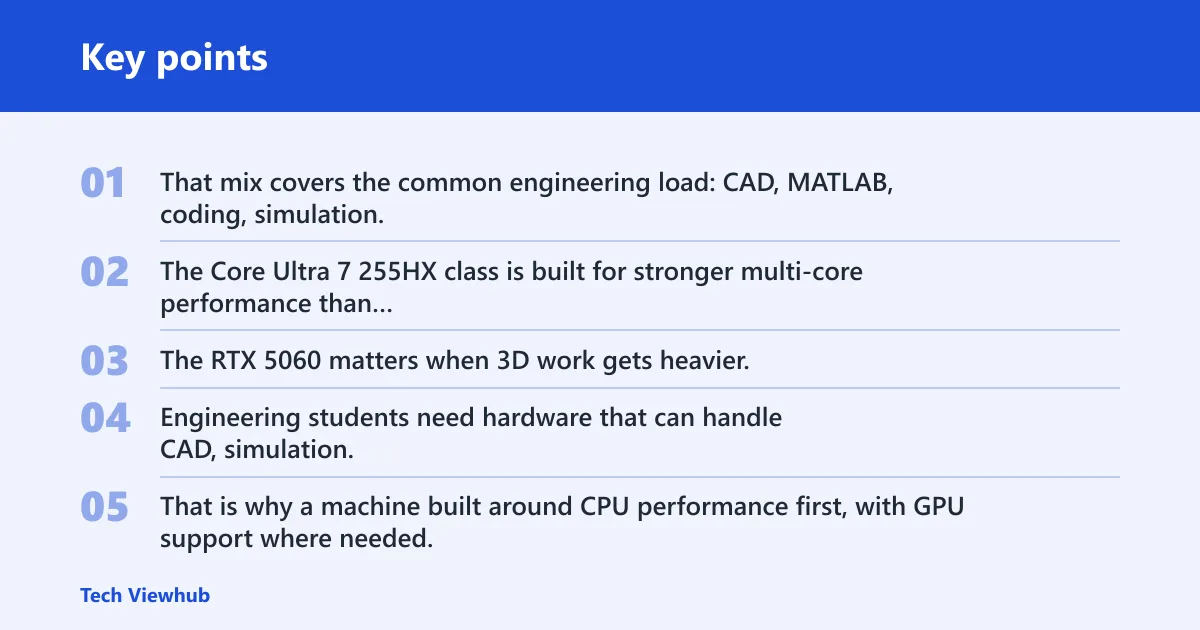
That mix covers the common engineering load: CAD, MATLAB, coding, simulation, and occasional rendering. The Core Ultra 7 255HX class is built for stronger multi-core performance than entry-level chips, while 32GB helps when you keep browser tabs, IDEs, and project files open together. The RTX 5060 matters when 3D work gets heavier.
Engineering students need hardware that can handle CAD, simulation, and rendering workloads. That is why a machine built around CPU performance first, with GPU support where needed, is a safer default than a thin general-purpose notebook with low memory and weak cooling.
Who should skip it?
Skip this class of laptop if your program is mostly coding, spreadsheets, and light modeling. A lighter machine can be better if you commute all day and rarely run long simulations. It is also overkill if your department confirms that your software list is modest and does not depend on Windows-only tools or GPU acceleration.
Suppose you are in first-year engineering and your week is mostly Python, MATLAB homework, and CAD labs. A heavy RTX laptop may still work, but a thinner Windows model with strong CPU performance, 16GB to 32GB RAM, and a fast SSD can save weight without hurting classwork.
Quick picks by workload
- Best for CAD and 3D modeling: Core Ultra H/HX or Ryzen 7 class CPU, 32GB RAM, NVIDIA RTX graphics, 1TB SSD.
- Best for coding and lighter simulation work: modern Core Ultra or Ryzen 7 class CPU, 16GB to 32GB RAM, integrated graphics, 512GB to 1TB SSD.
- Best portable option for commuting: 14-inch or light 15-inch Windows laptop, 16GB RAM, 512GB SSD, lower-power CPU, no discrete GPU unless required.
- Best budget option for smaller software loads: entry gaming or creator laptop with at least 16GB RAM and a discrete GPU only if your course tools need it.
Do engineering students need a dedicated GPU?
No, not every engineering student needs a dedicated GPU. Integrated graphics are often enough for coding, note-taking, web-based coursework, and lighter CAD. A discrete NVIDIA RTX GPU becomes useful when your software load includes 3D modeling, rendering, CUDA-accelerated tasks, or longer simulation sessions that benefit from GPU acceleration.
When integrated graphics are enough
If your workload is mostly programming, circuit design, writing reports, or general math work, integrated graphics can do the job. That is especially true when the laptop already has a strong CPU and enough RAM. For many first-year and electrical or computer engineering students, the CPU and memory matter more than graphics power.
When NVIDIA RTX graphics make a real difference
A dedicated GPU starts to matter when you open large assemblies, render scenes, or work in tools that offload computation to the GPU. AddictiveTips notes that engineering students may need a laptop for CAD software like SolidWorks and MATLAB simulations, and it also points to budget graphics performance with at least 16GB RAM. CrowdpickReviews similarly reports that users recommend a strong multi-core CPU and NVIDIA RTX GPU.
Which software types benefit most from a dGPU?
- Mechanical CAD with large assemblies
- 3D modeling and rendering
- CUDA-enabled workloads
- Simulation tools that can use GPU acceleration
A common mistake for first-time buyers is picking a laptop with a fast CPU but no usable GPU, then finding that CAD viewports stutter and rendering takes far longer than expected. The fix is simple: match the GPU to the software, not the brand tier.
How much RAM and storage do you need?
For most engineering students, 16GB RAM is the floor and 32GB is the safer target for heavier multitasking or simulations. For storage, about 512GB is a practical minimum, but 1TB is often better if you keep large CAD files, installers, SDKs, or course datasets on the machine.
Why 16GB is the floor for many students
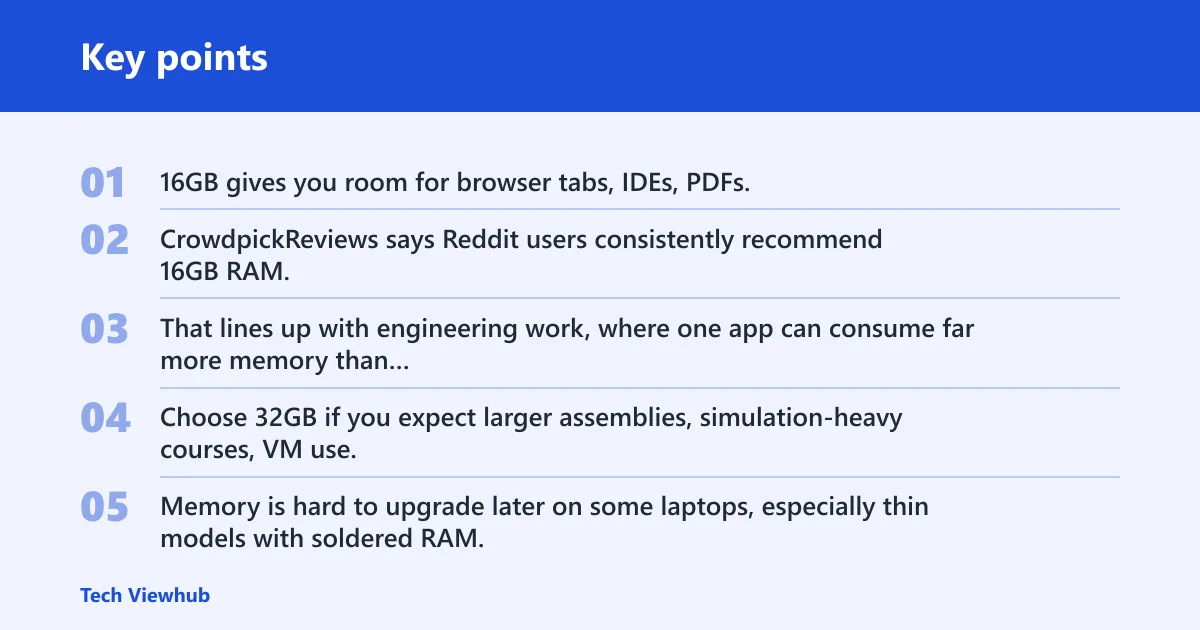
16GB gives you room for browser tabs, IDEs, PDFs, and a CAD package without hitting memory pressure too early. CrowdpickReviews says Reddit users consistently recommend 16GB RAM, with 32GB preferred for heavier multitasking. That lines up with engineering work, where one app can consume far more memory than standard classwork.
When 32GB is the safer choice
Choose 32GB if you expect larger assemblies, simulation-heavy courses, VM use, or lots of concurrent apps. Memory is hard to upgrade later on some laptops, especially thin models with soldered RAM. If the laptop is not upgradeable, buying 32GB up front is the cleaner choice.
Why 512GB is the practical minimum and 1TB is better
Engineering software stacks are bulky. CAD suites, compilers, toolchains, and project folders add up fast. A 512GB NVMe SSD is a workable baseline, but 1TB is better if you do not want to juggle storage every semester. Fast NVMe storage also helps large files open and save more quickly than slower drives.
Think of it this way: if a 200GB toolchain, a 50GB project archive, and a few class apps share the same drive, 512GB can disappear quickly. With 1TB, you have more breathing room for software updates and backup copies.
Engineering laptop decision matrix
| Discipline | Typical apps | Minimum CPU class | Minimum RAM | Dedicated GPU needed? | Recommended storage | Portability tradeoff | Risk of underspending |
|---|---|---|---|---|---|---|---|
| Mechanical engineering | SolidWorks, Fusion 360, CAD viewers, rendering tools | Intel Core Ultra H/HX or Ryzen 7 class | 32GB preferred, 16GB minimum | Yes for frequent 3D work | 1TB | Heavier chassis is common | Viewport lag, slow renders, memory pressure |
| Aerospace engineering | CAD, simulation, modeling, large assemblies | Intel Core Ultra H/HX or Ryzen 7 class | 32GB preferred | Yes for serious 3D and simulation work | 1TB | Battery life often drops under load | Slow solving, throttling, storage shortage |
| Civil engineering | AutoCAD, modeling, project files, mapping tools | Intel Core Ultra or Ryzen 7 class | 16GB minimum, 32GB better | Sometimes, depending on 3D workload | 512GB minimum, 1TB preferred | Midweight laptops are usually enough | Large projects, slow file handling, cramped storage |
| Electrical and computer engineering | MATLAB, coding, circuit tools, simulation | Intel Core Ultra or Ryzen 7 class | 16GB minimum, 32GB safer | Usually no, unless GPU compute is required | 512GB minimum, 1TB preferred | Lighter laptops can work well | Slow multitasking, poor simulation headroom |
| General engineering and first-year courses | Office apps, Python, introductory CAD, web tools | Intel Core Ultra or Ryzen 7 class | 16GB | No, unless classes require 3D work | 512GB | Best chance to go lighter | Shorter lifespan if later courses get heavier |
Can you use a MacBook for engineering school?
Sometimes, yes. A MacBook can work well for coding, writing, and some math or data tasks, but Windows-only software and lab tools can block it for certain programs. The right answer depends on your department’s software list, not on general laptop quality alone.
Where macOS works well
macOS is often fine for programming courses, note-taking, and common productivity work. It can also fit students whose department confirms that the required engineering software runs on macOS or has an acceptable alternative. Battery life is often strong, which helps for long days on campus.
Where Windows-only software creates problems
Many engineering programs still rely on Windows-first or Windows-only tools, especially in lab environments. If your courses require a specific CAD package, device utility, or analysis tool that runs poorly on macOS, a MacBook becomes a risk. Emulation or remote access can work, but it is not a clean replacement for native support.
How to check your department’s software list before buying
- Find the official course or department software requirements.
- Check each required app for Windows and macOS support.
- Look for lab-only tools, plugins, and license managers.
- Confirm whether your classes allow cloud or remote access options.
- Buy only after you know which OS is required for the majority of your coursework.
Picture a student who buys a MacBook for the battery life, then learns that a required mechanical design class expects Windows-only CAD software in labs and homework. That is not a laptop quality problem. It is a compatibility problem.
What specs matter most before you buy?
Start with CPU class and sustained performance, then check RAM, storage, display format, and the laptop’s cooling. For engineering work, a machine that stays fast for 20 minutes matters more than a short burst of speed. Weight, battery, and fan noise still matter, but they come after the workload fit is clear.
CPU class and sustained performance
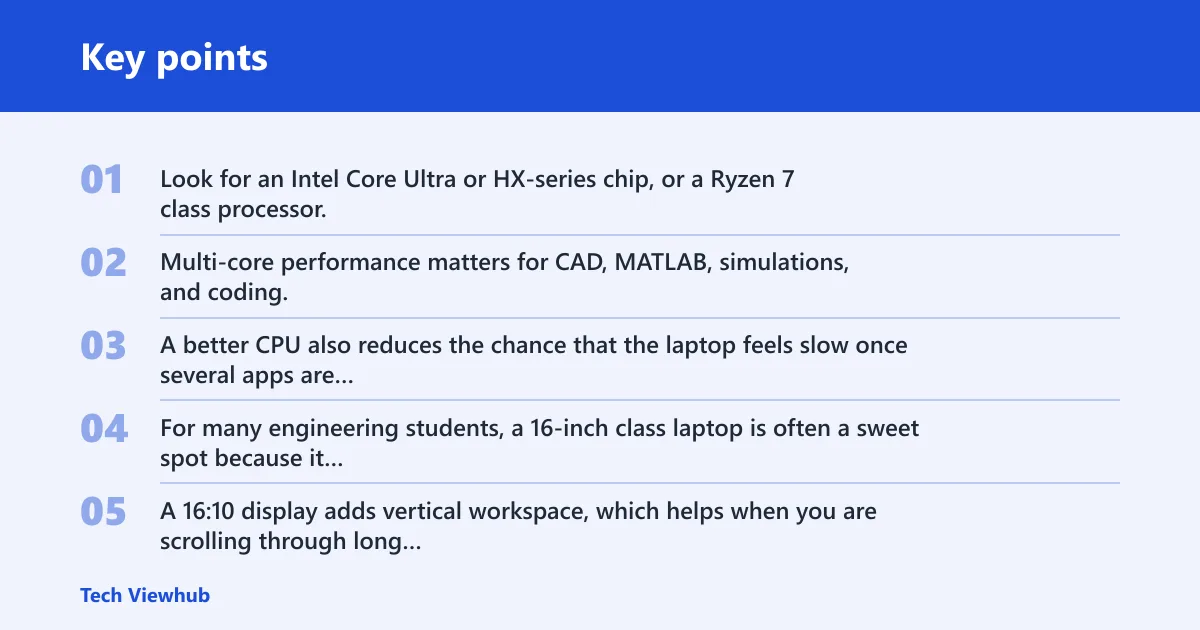
Look for an Intel Core Ultra or HX-series chip, or a Ryzen 7 class processor, rather than weak entry-level chips. Multi-core performance matters for CAD, MATLAB, simulations, and coding. A better CPU also reduces the chance that the laptop feels slow once several apps are open at the same time.
Display size and 16:10 aspect ratio
For many engineering students, a 16-inch class laptop is often a sweet spot because it gives more room for drawings, code, and tool palettes. A 16:10 display adds vertical workspace, which helps when you are scrolling through long documents or keeping a CAD toolbar visible. Higher resolution also makes technical text and interfaces easier to read.
Battery life, weight, and fan noise
Battery life still matters on campus, but engineering laptops often trade it for performance. TechRadar says students need laptops with good battery life for a full day in classrooms, yet heavier gaming and workstation machines can drain faster under load. Fan noise and chassis thickness also increase when the cooling system has to keep a strong CPU and GPU under control.
Build quality, keyboard, and upgrade access
Durable chassis design matters because the laptop has to last through years of classes, labs, and commuting. Keyboard feel matters too, since engineering students often type code and reports for long stretches. If RAM or SSD access is available, that is a major plus, because some thin laptops are hard to expand later.
How to choose
Use a simple buying order. First, match the laptop to your discipline and software list. Then choose the CPU and RAM. After that, set storage, then decide whether the GPU has to be discrete or can stay integrated.
- Check your required software. If your department expects Windows-only tools, start with Windows.
- Set the CPU floor. Choose Core Ultra, HX-series, or Ryzen 7 class performance.
- Pick memory next. Buy 16GB only for lighter work; choose 32GB for heavier multitasking or simulations.
- Choose storage. Aim for 512GB minimum, with 1TB preferred for CAD and project-heavy majors.
- Add the GPU only if needed. Choose NVIDIA RTX graphics for CAD, 3D modeling, rendering, or CUDA workloads.
- Check the chassis. Make sure the laptop has acceptable weight, battery life, cooling, and upgrade access.
A good rule for tight budgets is to buy CPU and RAM first, storage second, and GPU last unless your software clearly needs it. That order reduces the chance of ending up with a laptop that looks fast on paper but fails in the work you actually have to do.
Frequently asked questions
What is a good laptop for an engineering student?
A good engineering laptop has a modern Core Ultra, HX-series, or Ryzen 7 class CPU, 16GB RAM minimum, a fast NVMe SSD, and Windows if your software list depends on it. Add 32GB RAM and an NVIDIA RTX GPU if you do CAD, 3D modeling, or simulation-heavy work.
How much RAM do you need for engineering software?
16GB is the practical floor for many students, while 32GB is better for heavy multitasking, larger CAD files, and simulations. If the laptop has soldered memory, buy the higher amount now, because adding RAM later may not be possible.
Is a MacBook good for engineering majors?
A MacBook can work for some engineering majors, especially when your classes rely on coding or general productivity tools. It becomes risky when your department uses Windows-only CAD, lab software, or plugins. Check the official software list before you decide.
What size laptop is best for engineering students?
A 16-inch class laptop is a common fit because it gives more room for CAD interfaces, code, and document work. If you commute a lot, a smaller 14-inch model can be easier to carry, but you may give up screen space and sometimes raw performance.
Can I use a gaming laptop for engineering school?
Yes. Gaming laptops often offer strong CPU and GPU performance for the price, which is useful for CAD and simulation. The tradeoff is usually weight, fan noise, and battery life. They are a good fit when sustained performance matters more than carrying comfort.