Do Wi‑Fi 6 routers have better range than older routers?
Wi‑Fi 6 routers usually do not add much raw distance. Expect better edge performance and less slowdown from congestion, not a dramatic range jump. Miss that point, and you can buy the wrong router, then keep the dead zones, slow spots, or buffering. This guide explains what Wi‑Fi 6 can change, how to separate range from placement or interference issues, and when mesh is the better fix.
Why Wi‑Fi 6 rarely extends physical range beyond Wi‑Fi 5
Usually, no, in the strict radio sense. Wi‑Fi 6 is the 802.11ax standard, and Wi‑Fi 5 is 802.11ac, but both sit under the same power and frequency rules. What changes most is how well the connection holds up at the edge, especially when several devices are active.
Range is not the same as usable range
Real range is the distance where the signal still reaches the device. Usable range is the distance where the link still moves data well enough for your needs. Wi‑Fi 6 can improve the second part more than the first, which is why it often feels stronger without reaching much farther.
That difference matters in a two-story home. A router may still connect in a far bedroom, but the old setup can drop to a crawl when a laptop, TV, and phone all compete for airtime. Wi‑Fi 6 can cut that slowdown. It cannot cancel wall loss.
What actually sets router range
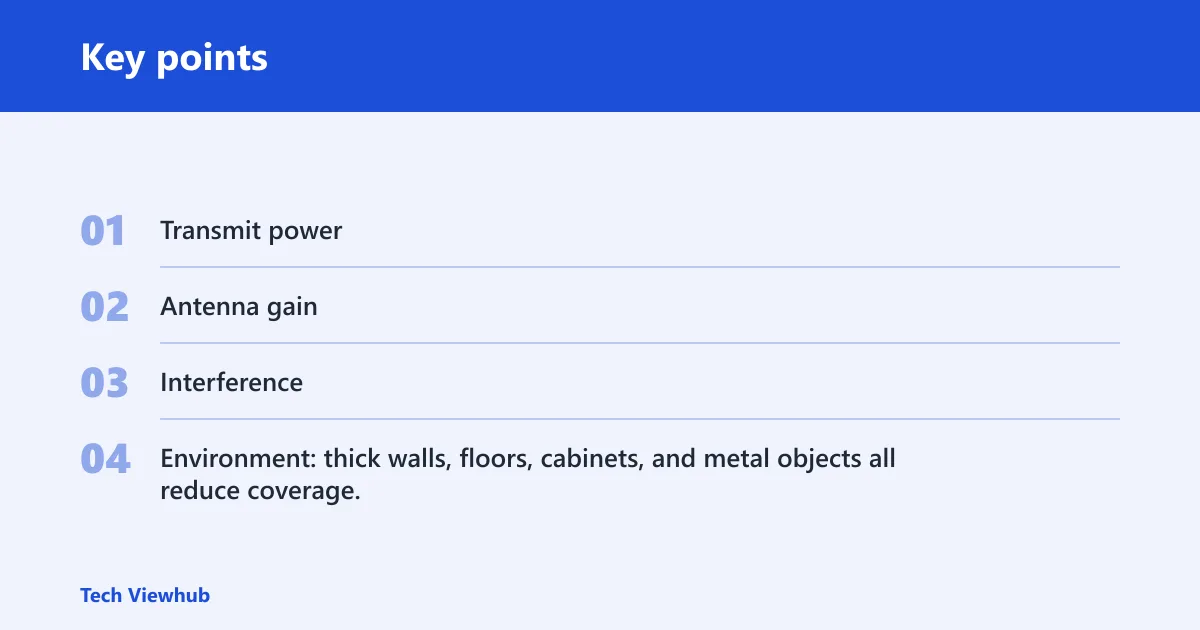
Range depends on frequency, output power, antenna pattern, and the room itself. In plain terms, transmit power, antenna gain, interference, walls, and layout all shape what you get. Two routers with the same standard can behave very differently if one has better antennas or cleaner default settings.
- Transmit power: legal limits are the same family of limits for Wi‑Fi 5 and Wi‑Fi 6.
- Antenna gain: some routers spread signal differently, which can matter more than the logo on the box.
- Interference: neighboring networks and household devices can cut usable range.
- Environment: thick walls, floors, cabinets, and metal objects all reduce coverage.
What actually sets router range
Start with the path between router and device. A clear line through open space behaves very differently from a route that crosses plaster, concrete, ducts, or plumbing. The wireless standard matters, but it is rarely the first thing that limits coverage.
Interference and neighboring networks
Apartment dwellers often hit congestion before distance becomes the main problem. If many nearby routers crowd the same channels, the connection can slow or retry more often even when signal strength looks fine. That makes a Wi‑Fi 6 router feel better in busy buildings because it handles sharing more efficiently.
Frequency, walls, and room layout
Frequency matters a lot. The 2.4 GHz band generally travels farther through walls and obstacles, while the 5 GHz band offers higher speeds but shorter reach through walls. That is why a router can look “better” on one floor and “worse” in another room depending on which band the device chooses.
Suppose a router sits in a hallway closet and a laptop is three rooms away behind two plaster walls. Switching from 5 GHz to 2.4 GHz may keep the link alive, while swapping a Wi‑Fi 5 router for Wi‑Fi 6 may only reduce drops and buffering. The wall is still the wall.
Wi‑Fi 6 vs Wi‑Fi 5
Wi‑Fi 6 brings better airtime use and smarter handling of many connected devices. Wi‑Fi 5 remains a 5 GHz-first standard in this comparison, so it often relies on the faster but shorter-reaching band. The practical result is that Wi‑Fi 6 can feel steadier, especially in busy homes, without changing the basic reach limit much.
2.4 GHz and 5 GHz support
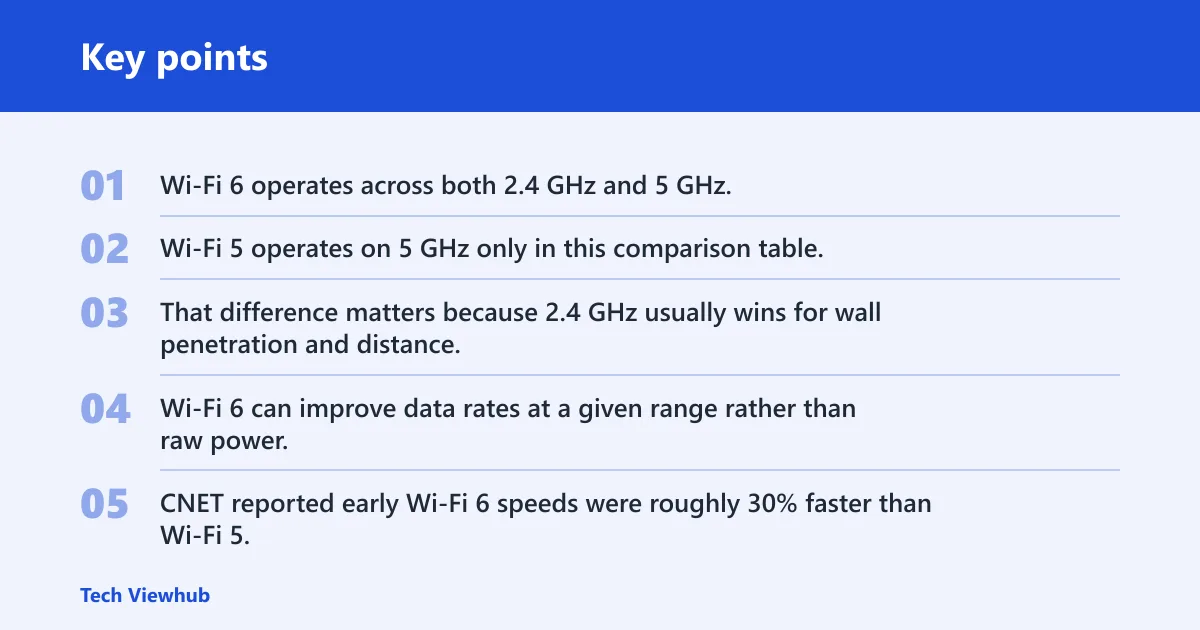
Wi‑Fi 6 operates across both 2.4 GHz and 5 GHz. Wi‑Fi 5 operates on 5 GHz only in this comparison table. That difference matters because 2.4 GHz usually wins for wall penetration and distance, while 5 GHz usually wins for speed at shorter distances.
| Feature | Wi‑Fi 5 | Wi‑Fi 6 |
|---|---|---|
| Standard | 802.11ac | 802.11ax |
| Bands in this comparison | 5 GHz only | 2.4 GHz and 5 GHz |
| Main advantage | Higher speeds on 5 GHz | Better airtime efficiency and congestion handling |
| Best fit | Cleaner, simpler homes with fewer devices | Busy homes with many active devices |
| Edge behavior | Can slow down sooner under load | Can hold usable speeds better at the edge |
Why Wi‑Fi 6 can feel better near the edge
Wi‑Fi 6 can improve data rates at a given range rather than raw power. CNET reported early Wi‑Fi 6 speeds were roughly 30% faster than Wi‑Fi 5, and it measured one Wi‑Fi 6 router at 1,523Mbps from 5 feet. That kind of gain can make a borderline room feel less fragile, even though it does not change the legal range ceiling.
CNET also notes that Wi‑Fi 6 needs compatible devices to reap full benefits. Older devices can still connect to a Wi‑Fi 6 router, but they may not get the same edge performance as Wi‑Fi 6 phones and laptops.
Why Wi‑Fi 6 feels stronger at the edge
Wi‑Fi 6 gets much of its value from efficiency. It is better at serving several devices at once, so a weak connection is less likely to fall apart under load. That is why many people notice smoother video or faster page loads before they notice any real increase in raw coverage distance.
OFDMA and airtime sharing
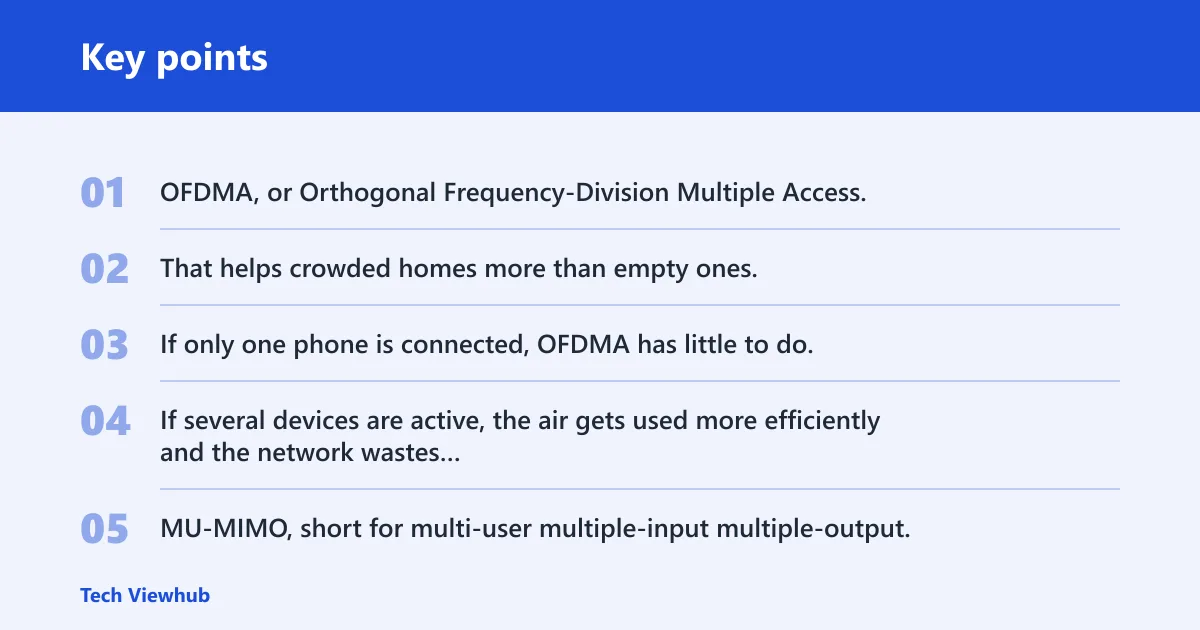
OFDMA, or Orthogonal Frequency-Division Multiple Access, lets a router serve multiple devices at once. That helps crowded homes more than empty ones. If only one phone is connected, OFDMA has little to do. If several devices are active, the air gets used more efficiently and the network wastes less time waiting.
MU-MIMO and device concurrency
MU-MIMO, short for multi-user multiple-input multiple-output, is another concurrency feature. The useful part depends on both router generation and client support, and downlink and uplink support differ by generation. In practice, it matters most when multiple compatible devices are active and asking for data at the same time.
That is why a new router may feel “stronger” in a family room even when the far bedroom still needs a better placement. The router is not pushing farther. It is spending the available airtime more efficiently, so the edge of coverage feels less fragile.
Do Wi‑Fi 6 routers have better range through walls?
Sometimes they feel better through walls, but the wall loss itself does not disappear. Thick walls still hit 5 GHz hard, and a better router cannot beat building materials forever. In many homes, 2.4 GHz remains the better choice for reach, while 5 GHz is the better choice when you are closer to the router.
Thick walls and 5 GHz drop-offs
Wi‑Fi 5 was mainly a 5 GHz standard in this comparison, so it often fell off sooner in multi-room homes. Wi‑Fi 6 can help at the margins, but if the problem is concrete, brick, tile, or a long path through a kitchen and stairwell, the band choice matters more than the generation.
Picture a router in a living room and a phone in a bedroom behind a masonry wall. If 5 GHz drops out there, a Wi‑Fi 6 upgrade may not fix it. A lower band, a better location, or another access point is more likely to solve the problem.
When a better router cannot beat the building
Some homes simply need another access point. That is true when the signal must cross too many walls or floors. Wi‑Fi 6 can soften congestion, but it does not create a clean path through dense material, and it does not increase output power beyond the same regulatory limits.
Wi‑Fi 6 range matrix
Use this table to separate a true coverage problem from a congestion or client problem. The fastest fix depends on where the symptom appears, which band fails, and which devices are involved.
| Symptom | Likely cause | Quick test | Best fix |
|---|---|---|---|
| Signal is weak two rooms away behind heavy walls | Thick walls and floor loss, especially on 5 GHz | Move next to the router and switch the device to 2.4 GHz | Add mesh or a wired access point; move the router to a more central spot |
| Speed drops only when neighbors are active | Apartment interference and crowded channels | Run the same device on a less busy channel or at a different time | Use Wi‑Fi 6, pick cleaner channels, or move to 5 GHz where appropriate |
| Old laptop connects but feels slow at the edge | Older client radio limits and weaker edge handling | Compare the same laptop beside the router and in the problem room | Do not expect a router swap alone to solve it; consider a Wi‑Fi 6 client or better placement |
| Devices fail to hold a connection in far corners on 2.4 GHz | 2.4 GHz dead zone from distance, obstacles, or bad placement | Test with the router moved higher and more central | Reposition the router first; then add mesh if the dead spot remains |
| 5 GHz works in one room but drops in the next | Normal short reach of 5 GHz through walls | Force 2.4 GHz and compare stability | Use 2.4 GHz for reach, or add a wired access point for that area |
Can a Wi‑Fi 6 router fix dead zones without mesh?
Only sometimes. If the dead zone comes from poor placement or a light obstacle, a better router location may solve it. If the problem is a true coverage gap, a Wi‑Fi 6 router alone is usually not enough. Mesh or a wired access point is the cleaner fix for that kind of dead zone.
When placement is enough
Before buying anything, move the router out of cabinets, away from metal, and into a more central and elevated spot. A small shift can matter more than a new standard. If the weak room becomes usable after that change, the problem was placement, not router generation.
When to add mesh or a wired access point
Use mesh when the signal must cross multiple rooms or floors and the speed still collapses after placement changes. Use a wired access point when Ethernet can be run to the weak area, because a wired backhaul removes one wireless hop. Extenders can help in a pinch, but they are a compromise, not a cure.
- Check which band fails first: 2.4 GHz or 5 GHz.
- Move the router to a more central, higher, open location.
- Test the same device close to the router and in the weak room.
- Compare one device at a time so client limits do not blur the result.
- Add mesh or a wired access point if the room still has a dead zone.
Frequently asked questions
Do 2.4 GHz and 5 GHz matter more than the Wi‑Fi generation?
For reach, often yes. Band choice usually matters more than the logo on the router when walls are the problem. 2.4 GHz travels farther through obstacles, while 5 GHz gives higher speeds but shorter reach. Wi‑Fi 6 helps with efficiency, but it does not change that basic tradeoff.
Does a Wi‑Fi 6 router make older devices reach farther?
Not in a reliable way. Older devices can connect to a Wi‑Fi 6 router, but they may not benefit from the same edge performance or concurrency features as newer clients. If the device radio is the weak point, router generation alone will not fix the range complaint.
Why do some Wi‑Fi 6 routers seem to have better range than others?
Because the standard is only part of the story. Antenna design, radio tuning, default transmit settings, and placement can change the result a lot. Two Wi‑Fi 6 routers can behave differently in the same house, and a well-designed Wi‑Fi 5 router can still outperform a poorly tuned Wi‑Fi 6 model.
Is range or speed the bigger benefit of Wi‑Fi 6?
Speed and congestion handling are often the bigger benefits, rather than raw coverage distance. Wi‑Fi 6 can keep usable speeds from falling apart as quickly at the edge, especially in busy homes. The raw coverage boundary usually changes much less than the experience inside that boundary.
Will Wi‑Fi 6 help in apartments with lots of interference?
Yes, often more than in an empty house. OFDMA and better airtime handling help when many nearby networks compete for channel time. It still helps to choose cleaner channels and the right band, because crowded airspace can limit performance even when the router is modern.
Is Wi‑Fi 6 better for thick walls and multi-room homes?
It can be better, but mostly because it holds usable performance together more gracefully. Thick walls still favor 2.4 GHz, and multi-room homes often need mesh or a wired access point. Wi‑Fi 6 helps, but it does not erase the physics of the building.