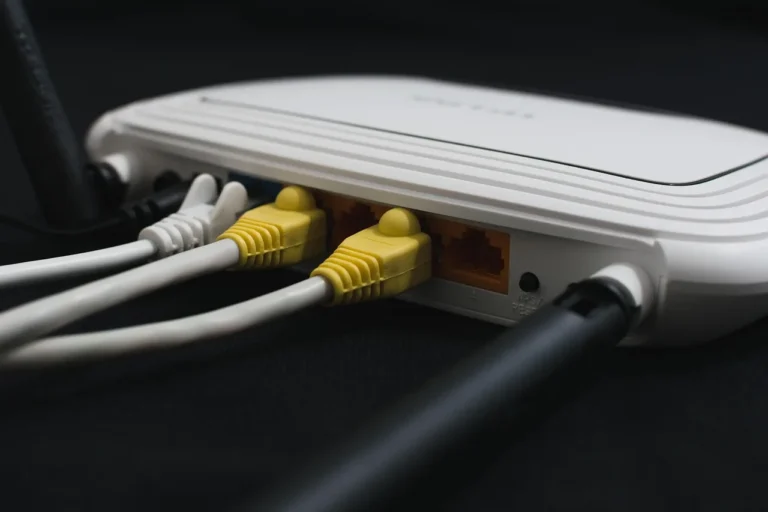
Mesh Wi-Fi vs Access Points: What’s the Difference?
If you can run Ethernet, wired access points are often the better choice for whole-home Wi-Fi because each unit gets a direct wired uplink. If you cannot run cable, mesh Wi-Fi is often the simpler way to extend coverage because nodes can be placed without cable runs. Poor placement or a wireless backhaul can cut speed, add latency, and leave dead zones. This guide compares wiring, roaming, speed, latency, and coverage so you can choose the right setup.
| Decision factor | Mesh Wi-Fi | access points | Winner |
|---|---|---|---|
| Wiring required | No cable between nodes if you use wireless backhaul | Each AP connects to the router through an Ethernet cable | Mesh Wi-Fi |
| Throughput under load | Wireless backhaul can cut throughput roughly in half per hop | A wired AP can deliver 600–1,200 Mbps to far-end devices | access points |
| Latency | Wireless backhaul can add 3–15 ms per hop | Wired APs add only 1–2 ms of latency | access points |
| Setup effort | Often under 20 minutes to configure | Higher because you need cable runs, mounting, and often a switch | Mesh Wi-Fi |
| Management style | App-based setup with simple whole-home control | Controller-managed Wi-Fi with central console, roaming coordination, and client visibility | tie |
| Best fit | Homes where wiring is hard or impossible | Homes that can be cabled, or already are | access points |
Where mesh and access points diverge
Mesh Wi-Fi uses multiple nodes that share one network name, and those nodes usually talk to each other wirelessly unless you add Ethernet backhaul. Access points are usually wired back to a router or switch, then managed through a central controller or app. That wiring changes both performance and planning.
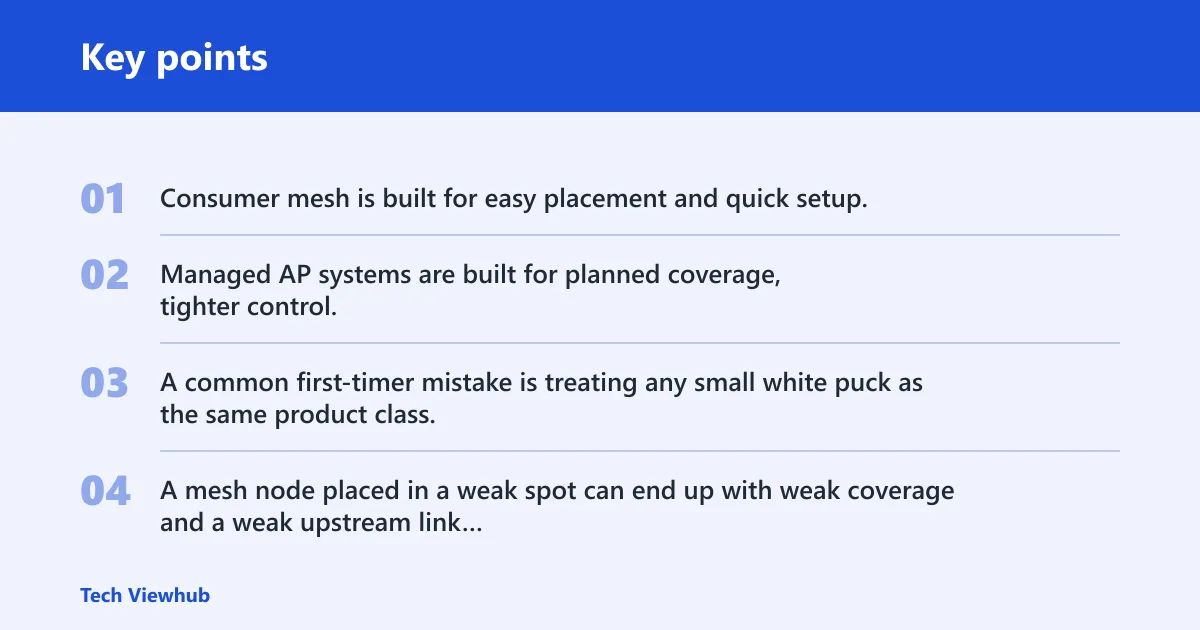
Where consumer mesh and managed APs diverge
Consumer mesh is built for easy placement and quick setup. Managed AP systems are built for planned coverage, tighter control, and cleaner scaling in homes that can support cabling.
A common first-timer mistake is treating any small white puck as the same product class. A mesh node placed in a weak spot can end up with weak coverage and a weak upstream link at the same time.
What mesh Wi-Fi
Mesh Wi-Fi systems use multiple nodes to spread coverage across a house while keeping one network name. Most systems self-configure through an app, and many are designed to get online in under 20 minutes.
Wireless backhaul and how it shares airtime
When nodes use wireless backhaul, airtime is shared between node-to-node traffic and client traffic on the same radio set. That shared airtime is why throughput can drop as you move farther from the main unit, especially on a dual-band mesh.
Suppose a three-level home places a node upstairs where the signal from the main unit is already weak. The upstairs rooms may still connect, but the node itself has little quality upstream bandwidth, so the whole upstairs segment feels slower than expected.
Dual-band vs tri-band mesh
Dual-band mesh shares radios between client devices and backhaul more often, so the performance penalty is larger. Tri-band mesh reserves a radio exclusively for node-to-node traffic, usually on 5 GHz or 6 GHz, which reduces the throughput loss on wireless links.
That dedicated backhaul radio does not make wireless mesh equal to a cable. It just reduces the penalty.
What access points
Access points are wireless access devices fed by Ethernet, usually through a switch. That makes them part of the wired network first and the Wi-Fi layer second. The result is cleaner roaming behavior and much less performance loss between rooms.
Controller-managed Wi-Fi and roaming coordination
Many AP systems use a central console to coordinate roaming, push settings, and show client visibility. That matters in larger homes because the system can guide clients to better APs instead of leaving every radio to make isolated decisions.
Client visibility, zoning, and mounting
Managed APs are often ceiling- or wall-mounted so coverage is planned by floor and room. That layout is useful when you want one AP for a basement, another for an office wing, and a third for upstairs bedrooms.
How backhaul changes performance
Backhaul is the link between the Wi-Fi node or access point and the rest of the network. Wireless backhaul shares airtime and can add 3–15 ms per hop, while wired Ethernet backhaul avoids that hop penalty and usually improves stability.
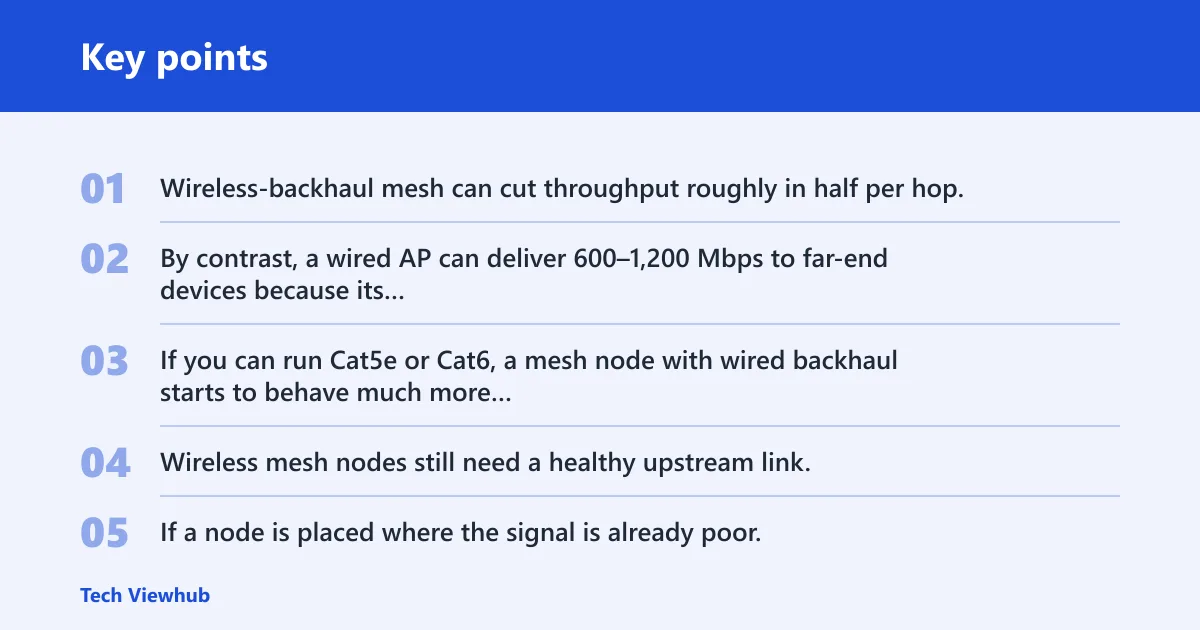
Wireless backhaul versus Ethernet backhaul
Wireless-backhaul mesh can cut throughput roughly in half per hop, so a device two hops away may see only 150–300 Mbps. By contrast, a wired AP can deliver 600–1,200 Mbps to far-end devices because its connection to the network is not competing with client traffic over the air.
Ethernet backhaul changes the decision. If you can run Cat5e or Cat6, a mesh node with wired backhaul starts to behave much more like an AP from a performance standpoint, while keeping the consumer mesh setup style.
Why placement failure hurts mesh more than wired APs
Wireless mesh nodes still need a healthy upstream link. If a node is placed where the signal is already poor, the user gets the worst of both worlds: a farther room and a weak transport link back to the main router.
Wired APs avoid that failure mode because the cable carries the backhaul. Placement still matters for radio coverage, but it does not depend on the quality of a nearby wireless hop.
Which is faster: Mesh Wi-Fi or access points?
For speed, access points usually win when they are wired. Mesh Wi-Fi can be fast enough for browsing, video, and light household use, but wireless backhaul adds overhead that shows up most clearly on multi-hop routes, large transfers, and busy networks.
Gaming and latency-sensitive traffic
Are access points better for gaming than mesh? Usually yes, especially if the AP is wired. Wired APs add only 1–2 ms of latency, while wireless backhaul can add 3–15 ms per hop, and extra hop latency is exactly what competitive play tries to avoid.
Large-file transfers, video calls, and camera uploads
Camera-heavy homes and work-from-home setups care less about raw coverage and more about steady upstream capacity. A wired AP or Ethernet-backhaul mesh keeps uploads, calls, and streaming feeds from fighting the backhaul link for airtime.
Proof matrix for home setups
| Home scenario | Mesh Wi-Fi score | access points score | Recommended option | Reason |
|---|---|---|---|---|
| Finished home | 5 | 8 | access points | Finished walls and ceilings make cable runs harder, but if wiring is possible, wired APs give better latency and stability. |
| Prewired home | 6 | 10 | access points | Existing Ethernet removes the main barrier, so you get the performance benefit without renovation labor. |
| Gamer setup | 4 | 10 | access points | Lower latency and steadier throughput matter more than easy setup. |
| Home office | 6 | 9 | access points | Video calls and uploads benefit from the more stable wired backhaul. |
| Camera-heavy home | 5 | 9 | access points | Many cameras stress upstream capacity, and wired APs reduce backhaul contention. |
| Renter | 9 | 3 | Mesh Wi-Fi | Drilling and cable runs are usually off the table, so easy placement matters more. |
| Multi-floor home | 6 | 9 | access points | Multiple floors benefit from planned AP placement and wired distribution. |
| Renovation project | 5 | 10 | access points | Open walls and ongoing work make cabling the smartest long-term infrastructure choice. |
Hidden cost factors that change the math
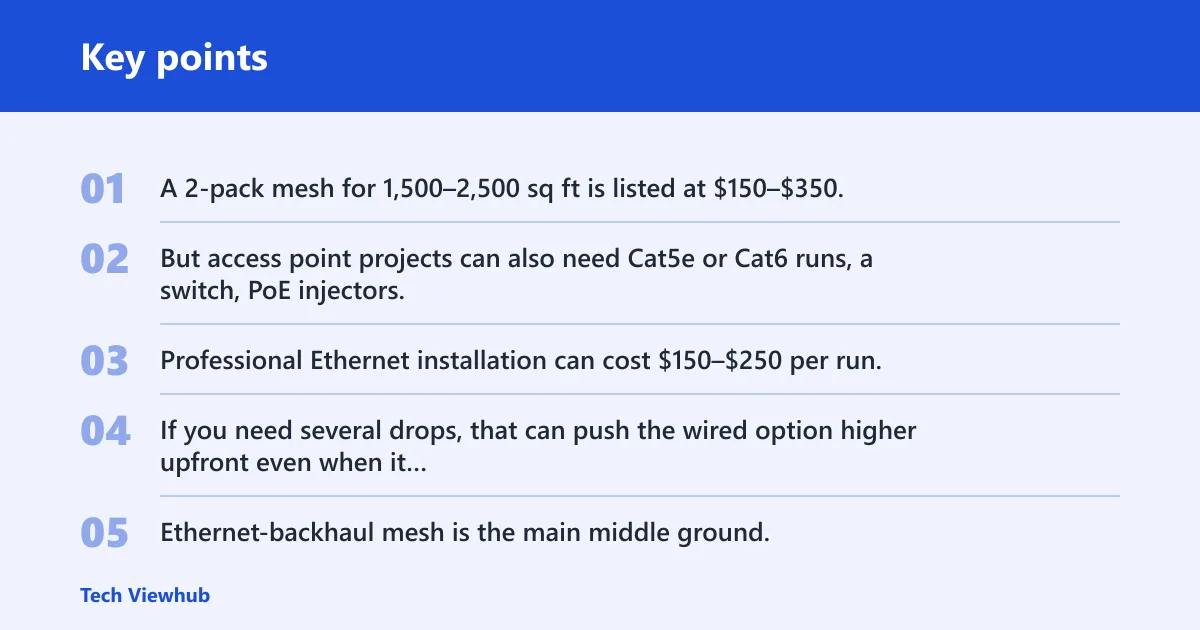
A 2-pack mesh for 1,500–2,500 sq ft is listed at $150–$350, which looks cheaper at first glance. But access point projects can also need Cat5e or Cat6 runs, a switch, PoE injectors, mounting hardware, and sometimes renovation labor.
Professional Ethernet installation can cost $150–$250 per run. If you need several drops, that can push the wired option higher upfront even when it wins on performance.
Hybrid builds worth considering
Ethernet-backhaul mesh is the main middle ground. It keeps the mesh setup style but removes the wireless backhaul penalty, which is why many homes that can run one or two cables end up there.
MoCA 2.5 can deliver 1 to 2.5 Gbps throughput when coax is available, so it can also help when Ethernet runs are difficult. TP-Link’s Deco guidance says Ethernet backhaul is faster and more stable, which matches the broader trade-off here.
Choose Mesh Wi-Fi if…
Choose Mesh Wi-Fi if you cannot or should not run cable, if you rent, or if you need a quick coverage upgrade in a finished home. It also fits smaller-to-mid-size homes where convenience matters more than peak latency or top-end throughput.
- You need coverage without drilling walls.
- You want app-based setup and simple node placement.
- You can accept some throughput loss if the backhaul is wireless.
- You plan to use Ethernet backhaul later, but not now.
Choose access points if…
Choose access points if you can wire the home, are planning a renovation, or care about gaming, work calls, cameras, and multi-room reliability. Wired APs are the stronger infrastructure choice when you want predictable performance room by room.
- You can run Cat5e or Cat6 to the target rooms.
- You want the lowest practical latency.
- You need better stability for multiple users and devices.
- You are building for the long term, not just the quick fix.
Frequently asked questions
Can mesh Wi-Fi use Ethernet backhaul?
Yes. Many mesh systems support Ethernet backhaul, which lets each node use a wired link to the router or switch instead of sharing wireless airtime for backhaul. That usually improves stability and reduces the throughput penalty that comes with wireless hops.
Do access points need Ethernet?
Yes, in the standard setup. Access points connect to the router through an Ethernet cable, often through a switch. That wired path is the point of using APs, because it removes the backhaul bottleneck that wireless systems must manage.
Is Mesh Wi-Fi better than access points for a large home?
Not by default. Mesh Wi-Fi is better only when cabling is impractical or you want the simplest deployment. In a large home that can be wired, access points usually win because they handle distance with less speed loss and lower latency.
How many access points or mesh nodes do I need?
Start with the floor plan, wall materials, and where the internet enters the house. A common approach is one node or AP per major zone or floor, then adjust after checking weak spots. More units do not automatically mean better coverage if placement and backhaul are poor.
Are access points better for gaming than mesh?
Usually yes, especially when the APs are wired. Wired APs add only 1–2 ms of latency, while wireless backhaul can add 3–15 ms per hop. That difference matters when a game is sensitive to jitter and delay.
Can I use Mesh Wi-Fi without running cables?
Yes. That is one of the main reasons people choose it. Mesh Wi-Fi can run entirely over wireless backhaul, which makes it easier to deploy in finished homes and rentals, though you should expect some performance trade-offs compared with wired options.